A calm place to write, plan and sketch.
Your notes, docs and whiteboards, together in one place. Free on the web, Android, Mac and Windows, with AI that helps when you ask.
Free to use. Sign in with Google or an email code, no password.
Launch plan
Public beta opens on 14 November. Keep the first week quiet, and fix what people trip over.
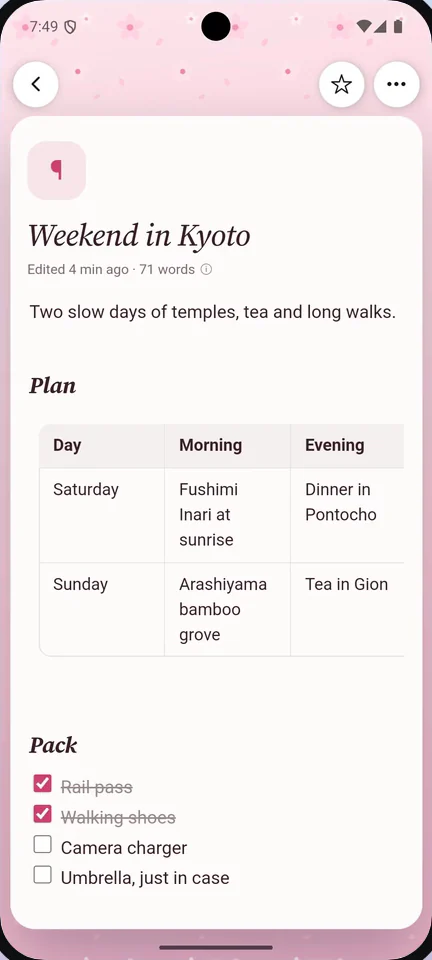
Go on, tick a to-do.
Wherever you work
One account and the same pages on every screen, kept in sync.
Notes, docs and drawings, together
One home for all of it, so a thought can grow into a plan without moving apps.
Type / for anything
Headings, to-dos, tables, callouts, toggles, files and PDFs. Drag any block to move it, or turn it into another kind.
- Markdown shortcuts as you type
- Find and replace, with regex when you need it
Pages inside pages
A page can hold other pages, as deep as you like. A trip, a project or a whole course stays together, and the sidebar shows how it fits.
- Link pages to each other and see what links back
- Star the pages you open every day
Sketch next to your notes
Open a whiteboard when words aren't enough. Boxes, arrows, sticky notes and flowcharts, right beside the page they belong to.
- Whiteboards live in your pages, not in another app
- Flowcharts you can edit, not pictures of them
Give each page its own look
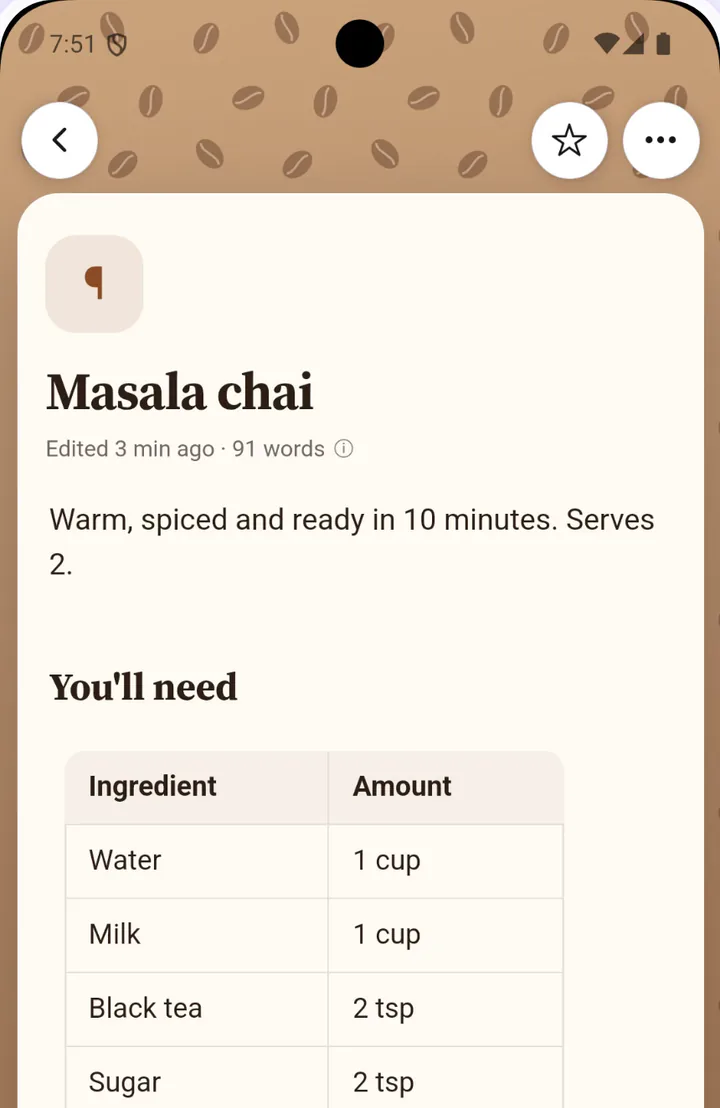
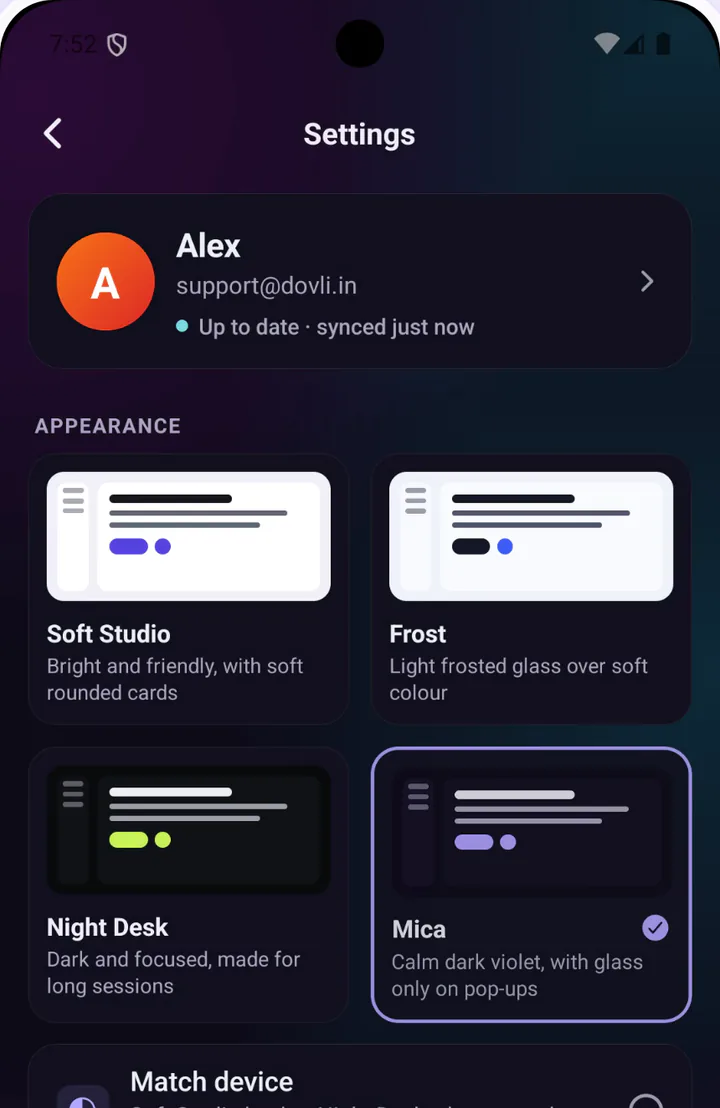
Plain and clean, a book-like serif, or Starlight for late-night writing. Add a cover, pick a text size, and export to Word or PDF.
- Light and dark app themes
- Every page style prints the way it looks
Find anything in a second
Press ⌘K to jump to any page, search the words inside every page, or filter by #tags. Your notes stay easy to reach as they grow.
- Search inside every page, not only titles
- Tags you add as you write
- Markdown shortcuts as you type
- Find and replace, with regex when you need it
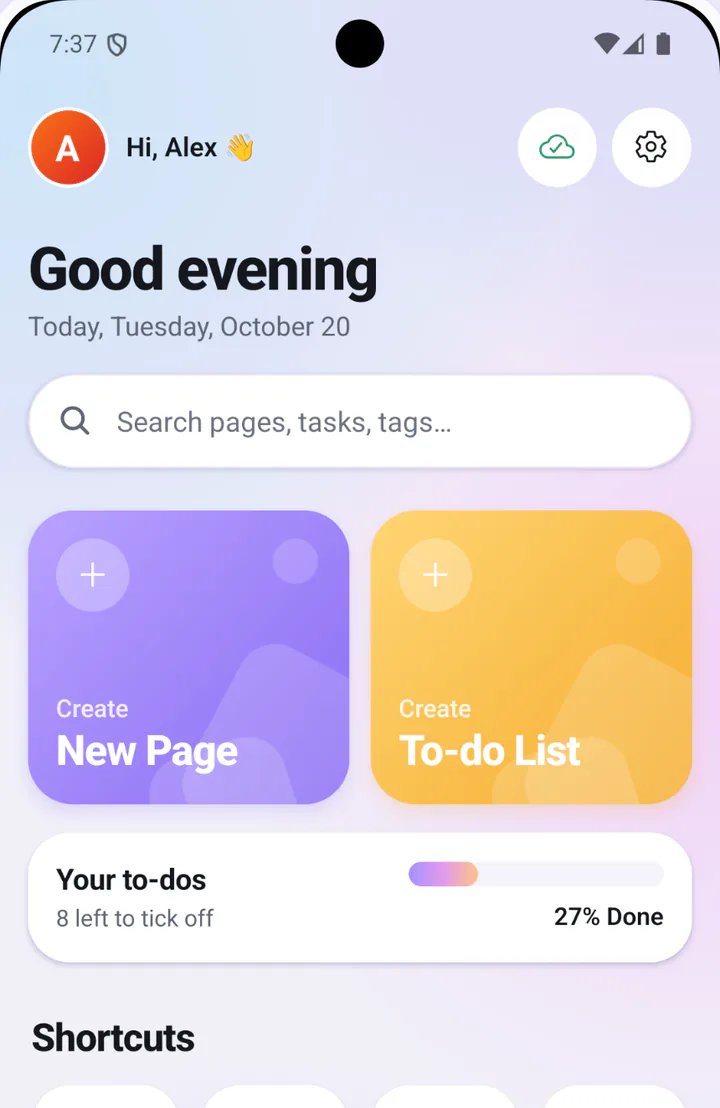
Your pages, in your pocket
Dovli for Android is in its last days of testing, and opens on Google Play on 7 November. Can't wait? Get the APK now: the same app, free, with no ads.
On Google Play in
- Synced with the webSame pages, phone and web
- Works without signalOpens and saves offline
- Sketch on the goWhiteboards with a finger
- Make it yoursPage styles, light or dark
Your phone will ask you to allow installs from your browser, as it does for any app from outside Google Play. Once Dovli is on Google Play, uninstall the APK before installing it from there; your pages stay in your account.
Start from a template
Meeting notes, project briefs, weekly reviews, brainstorm boards and more. Pick one and make it yours.
Agenda, decisions and who does what next.
Problem, goal, scope and timeline on one page.
User stories, requirements and a launch checklist.
The context, the options and why you picked one.
Look back at the week and set three priorities.
A short morning plan and an evening look back.
Key ideas, highlights and what you'll use.
A central question with room for ideas around it.
Steps and decisions from first visit to first value.
AI that works in your pages
An assistant sits beside every page. Ask it to summarise, review or restructure, and check each change before it lands.
- Summaries, written as a callout at the top
- Reviews for spelling, clarity, structure and tone
- Lists turned into flowcharts you can edit
- Suggest or Edit mode, and one undo for it all
A monthly AI allowance comes with your account, or bring your own OpenAI, Anthropic, Groq or OpenRouter key.
Bring the AI app you already use
Claude Desktop, Claude Code, Codex or any MCP app can search, write, tick off and tidy your pages. Nothing connects until you add it in Settings.
- Claude Desktop
- Claude Code
- Codex
- Any MCP app
Clip the web into Dovli
Save what you're reading as an article, the whole page, a selection or a bookmark, or let AI turn it into notes. Pick the page it goes in, and it keeps a link back.
- AI notes
- Article
- Full page
- Selection
- Bookmark
And a Dovli page beside any website, to write in while you read.
Start with a blank page.
Free on the web, on Android, and on Mac and Windows. Sign in with Google or an email code, no password.
Also for Mac and Windowsv1.0.1Private, offline, and yours
- Works offlinePages save on your device first, then sync when you're back online.
- Private by defaultEach account sees only its own workspace. Nothing is shared until you share it.
- Share your waySend a link people can read, or let the people you pick edit with you.
- Take it with youBring pages in from Notion, Evernote or Obsidian, and export to Word, PDF or Markdown.